
The value of retouching lies in judgment.
Generate diagnoses of your retouched images and see what still weighs against approval. Assess, adjust and finish in fewer rounds.
For those who retouch and those who approve
After hours of work, the retouch is done.
But is it at the level?
Right now, time is your enemy.
What if you could get a fresh pair of eyes on your image?
Meet Retouch Tutor.
Judgment, not execution.
It’s not automatic retouching.
Retouch4me, Evoto and the like do the work: skin, dodge & burn, frequency. Retouch Tutor doesn’t retouch — it gives direction.
It’s not a course.
Domestika, Phlearn and similar platforms teach technique. Retouch Tutor reads your results and shows where to raise the level.
It’s not generative AI.
Photoshop AI, Firefly and generative models create new pixels. Retouch Tutor assesses what already exists in the image.
Retouch Tutor is a system of professional judgment.
You execute in your photo editor. Retouch Tutor reads your retouch against the standard that defines the top of the market.
Generates technical diagnoses guided by a proprietary methodology.
Returns a reading with no defined methodology.
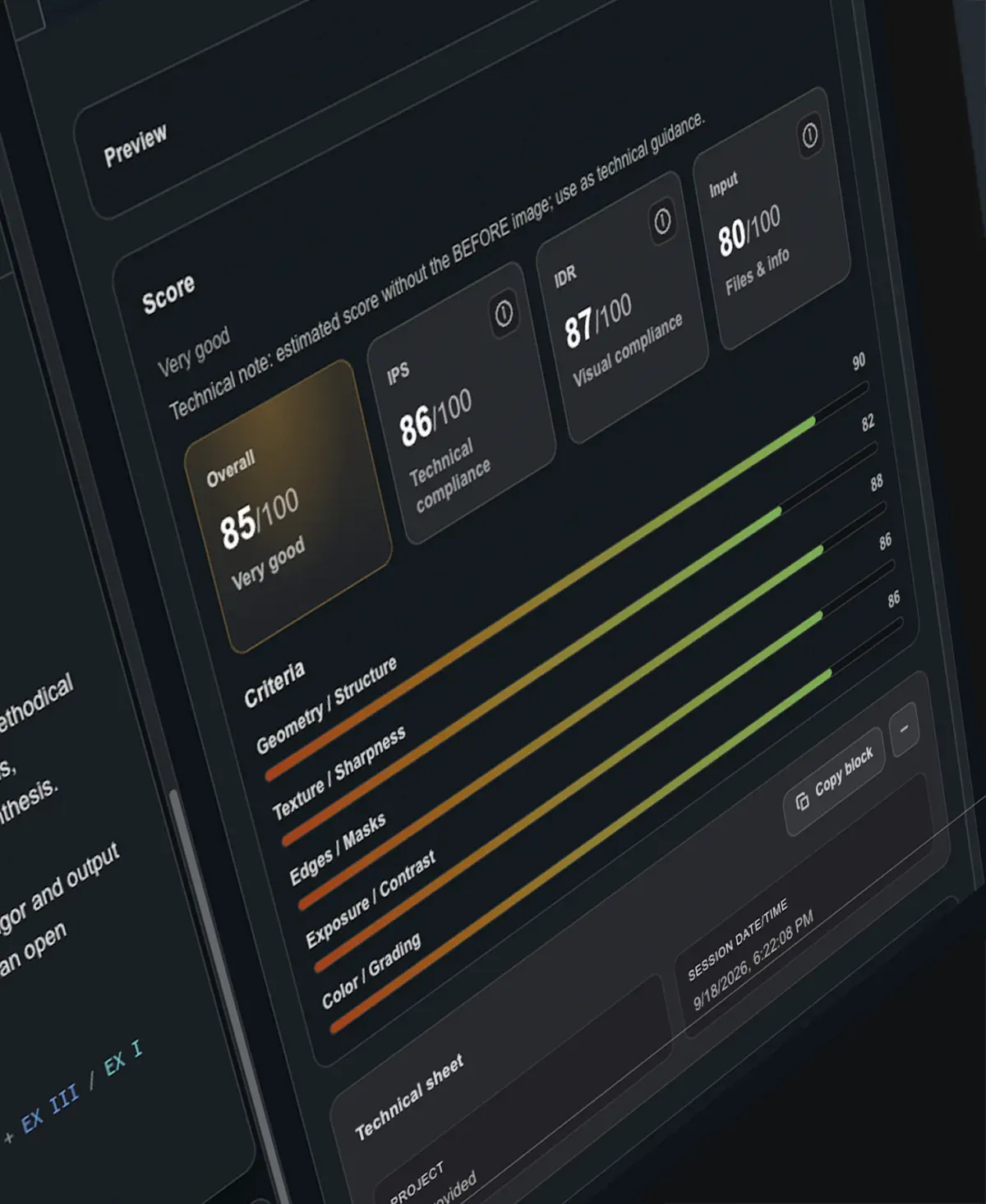
Scores by axis: technical standard, the image’s vocation and the quality of the material submitted.
Doesn’t score.
Judgment distilled from more than 20,000 images retouched for fashion and beauty campaigns and editorials.
Inherits the average of what circulates on the web.
Faster approvals and less rework.
Three modes of reading. One judgment behind them.
Image session


Before · After
Diagnosis of one image or a before/after pair, adjusted to the stage of the work.
Batch session
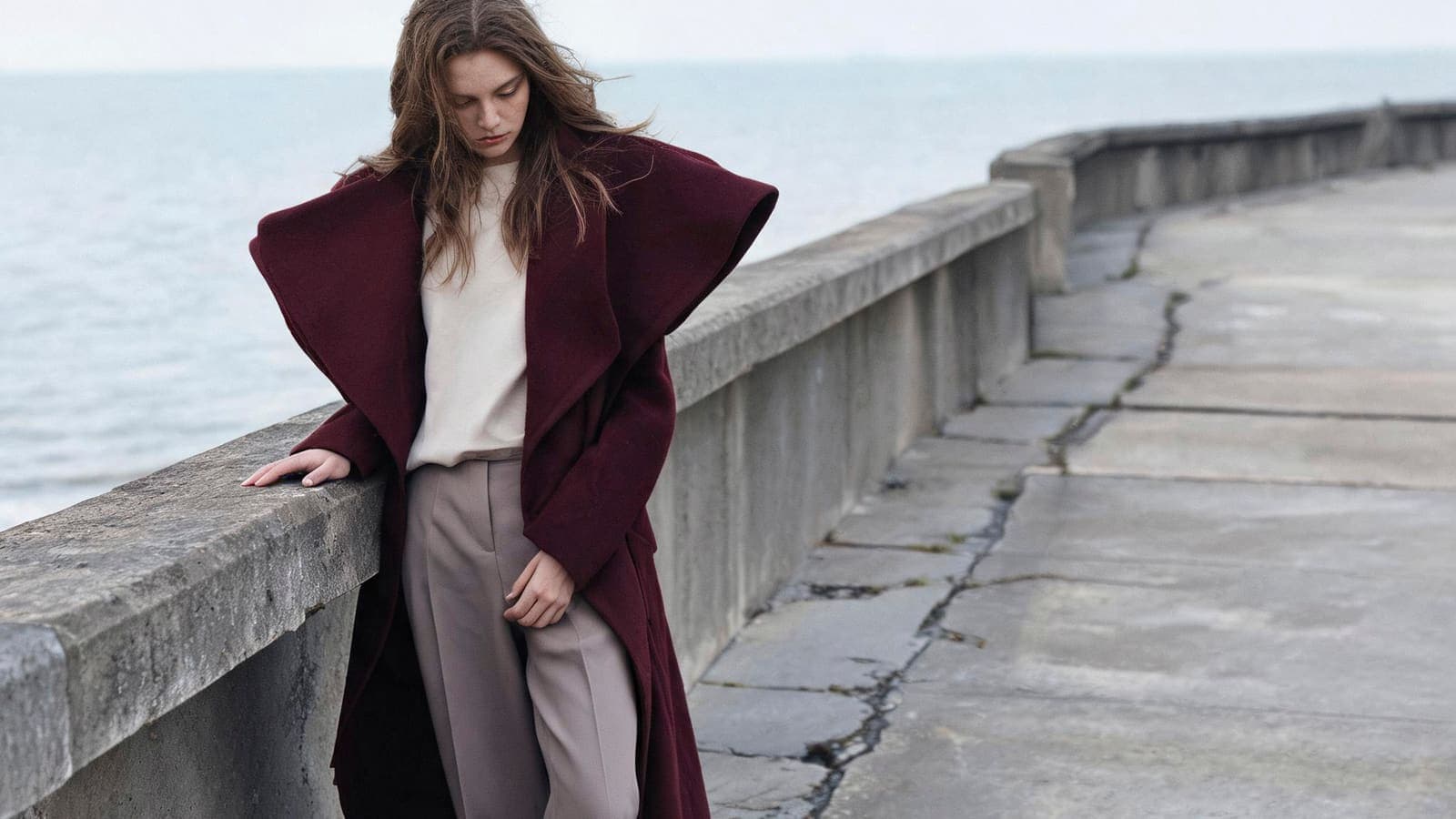


Several images
The same analysis as the Image session, in batch — one diagnosis per image, in parallel.
Comparative session
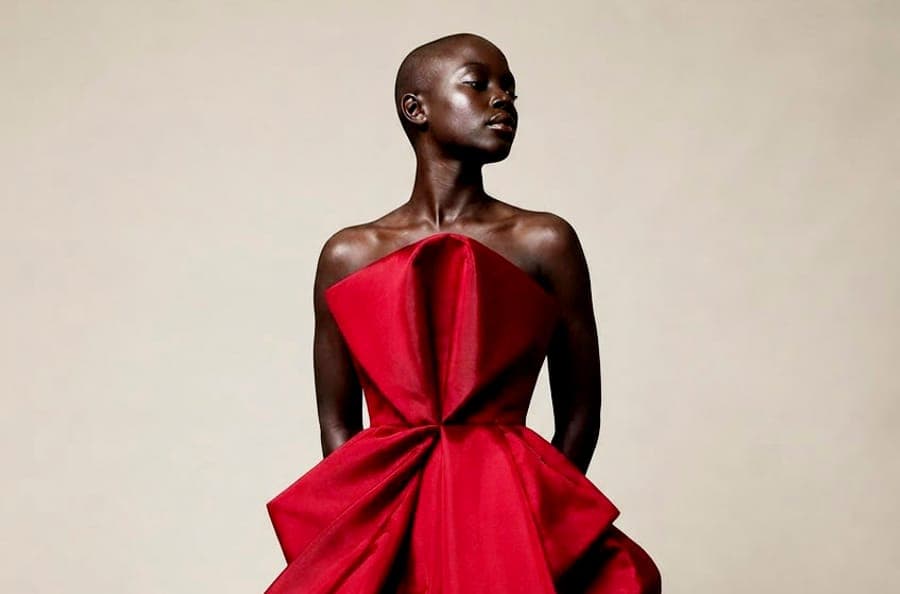
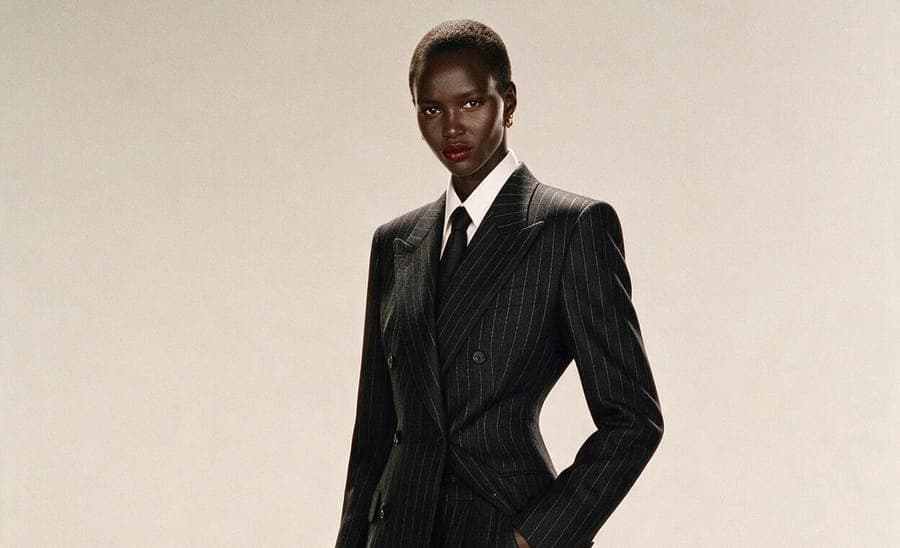
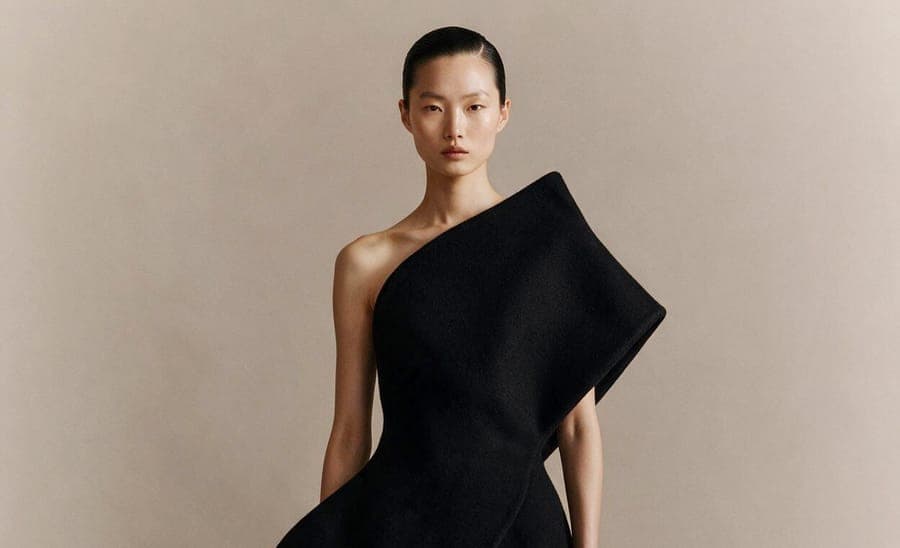
Set coherence
Coherence analysis across the final images of the same shoot, with a score for the set.
Every analysis arrives in three tabs.
Diagnosis, Flow and AI Plan — the reading, the order of attack and the instructions to execute.
Diagnosis
The reading of the image: what’s already resolved, what still weighs against approval, and the RTQI by axis.
Flow
The order of attack: each finding with the action that fixes it and the validation that confirms the adjustment.
AI Plan
The bridge to a generative AI: the findings become editing instructions, one pass at a time.
Finding, action, validation — in order of priority.
Every analysis goes beyond listing problems. Retouch Tutor identifies the dominant failure — what weighs most against approval — and orders the attack from there. Each finding comes with the action to fix it and the way to validate that the adjustment solved it without introducing a new problem.
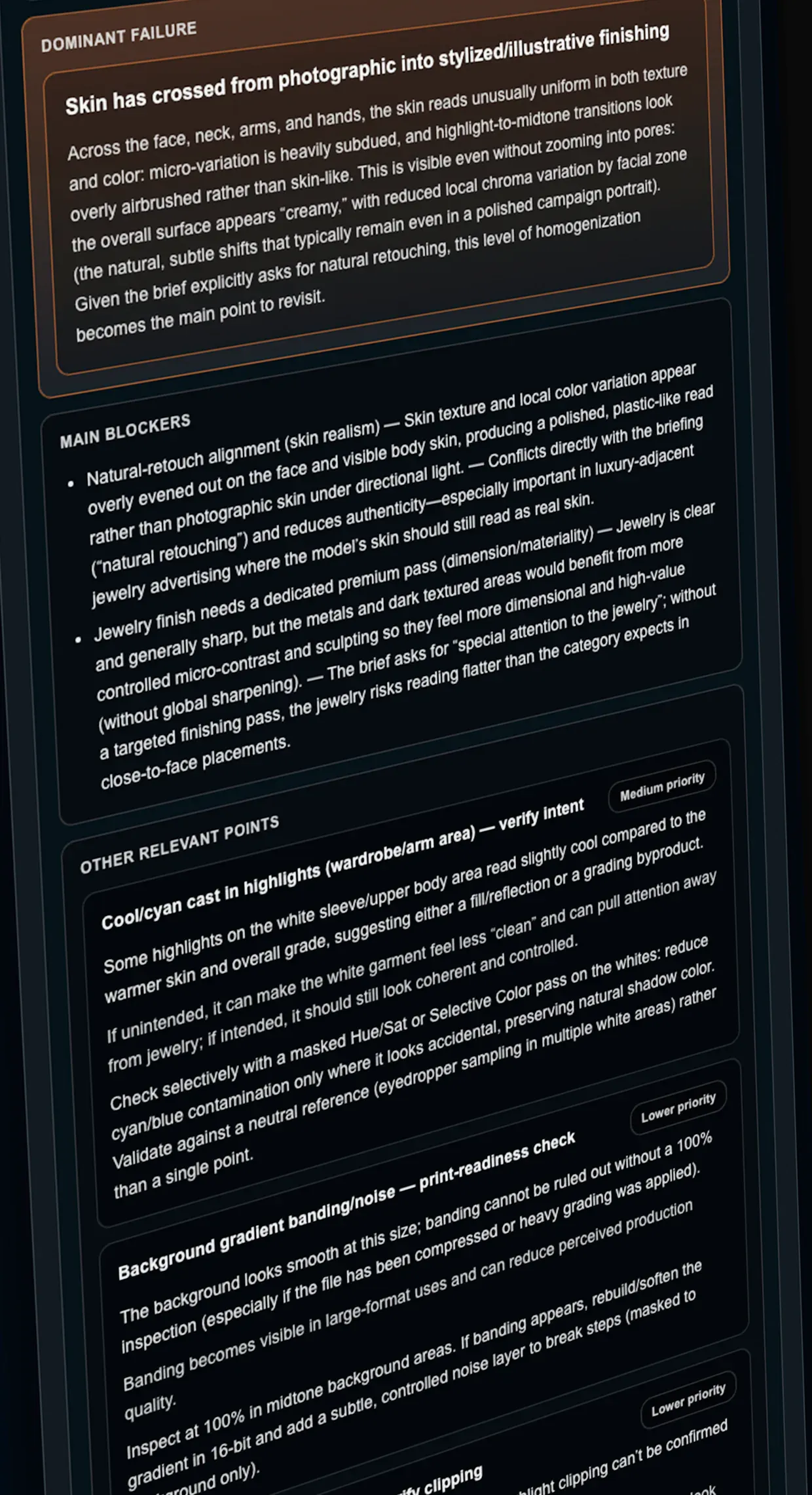
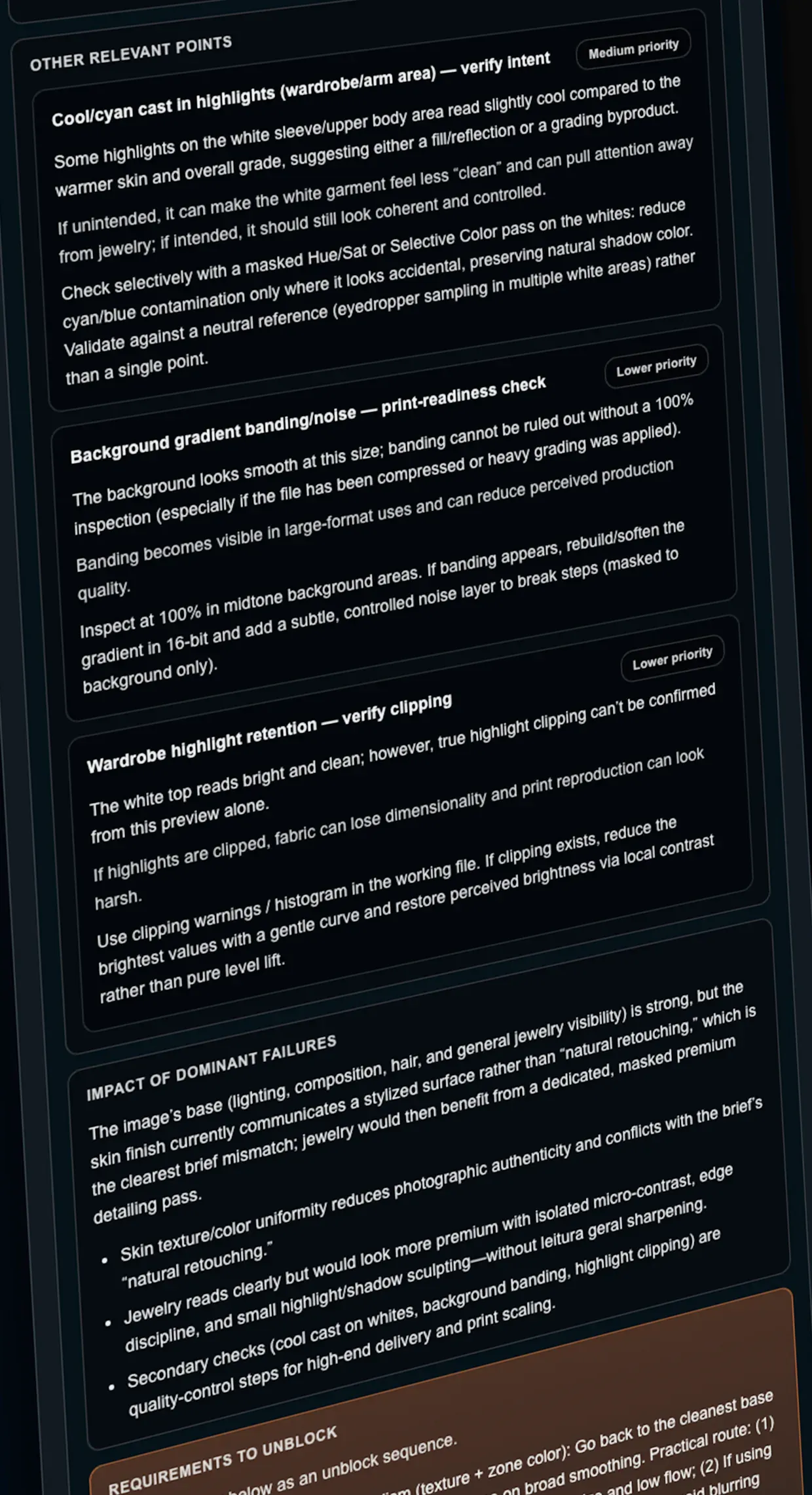
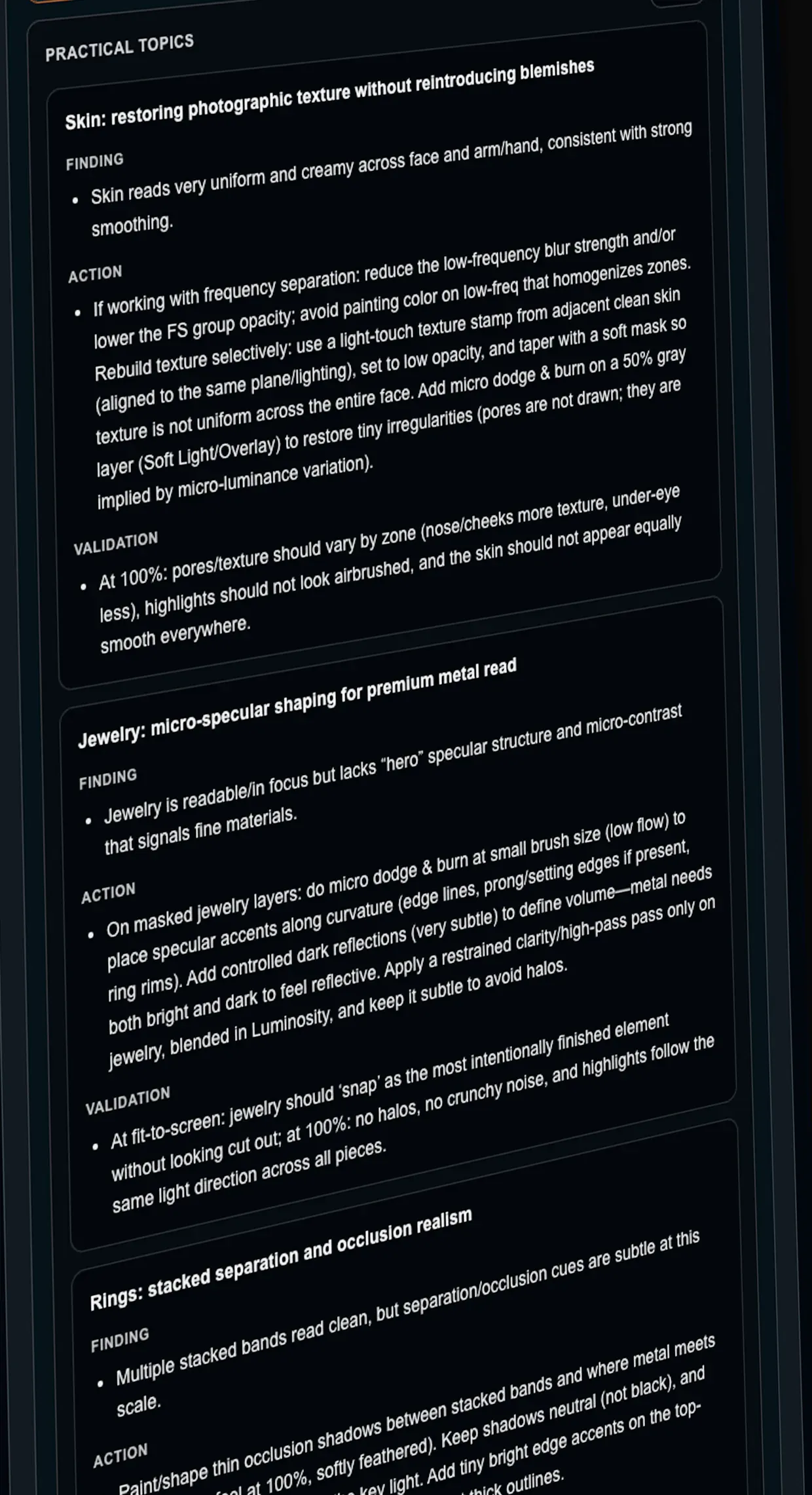
But the analysis doesn’t stop at the dominant failure. Every diagnosis also maps the secondary findings — the refinements that separate approved work from work that sets the standard.
Skin texture reconstruction
Plasticized skin, with no pores and no organic tonal variation.
Apply a skin-texture layer at controlled opacity, preserving highlights in the T-zone.
100% zoom on forehead and cheeks — heterogeneous texture visible; flip confirms pores.
Swipe sideways or tap the arrow to see the other findings.Click the arrow to see the other findings.
The same diagnosis, as cards for your workbench.
Flow reorganizes the reading into execution cards — one per image — made to stay open next to Photoshop: what to do, in what order, and how to know it’s right.
editorial-capa-01.jpg

Hair cutout with hard edges against the light background; skin texture preserved.
- 01Refine the hair mask in the fine transitions.
- 02Soften the residual halo on the left side.
- 03Check global sharpness after the adjustment.
Hair transitions with no jaggedness at 100% zoom.
It’s the checklist you take to the image: each step with the criterion that says when it’s done. One card per image, in the order the analysis told you to attack.
You keep retouching in your tool. Retouch Tutor tells you where it’s not at the level yet.
The diagnosis becomes instructions for AI.
The findings are translated into instructions for a generative AI, written under one rule: preserve the most, change only what’s needed.
The distinction matters. Retouch Tutor generates no pixels — it writes the direction. Executing is your decision, and the judgment to accept the result is still yours.
One pass at a time
Each pass attacks one zone — skin, edges, color — in the order the editor obeys best. One adjustment at a time preserves more than a prompt that asks for everything at once.
Editable before use
The text is yours to adjust. Rewrite it in your own words and save, or go back to the proposed version whenever you prefer.
Written to be obeyed
Not description, but command: each pass states what to preserve, the one change to make, and where to stop. A model executes an instruction; it interprets an observation.
Judgment becomes a number.
The RTQI — Retouch Tutor Quality Index — is the ruler Retouch Tutor uses to translate the work into a number.
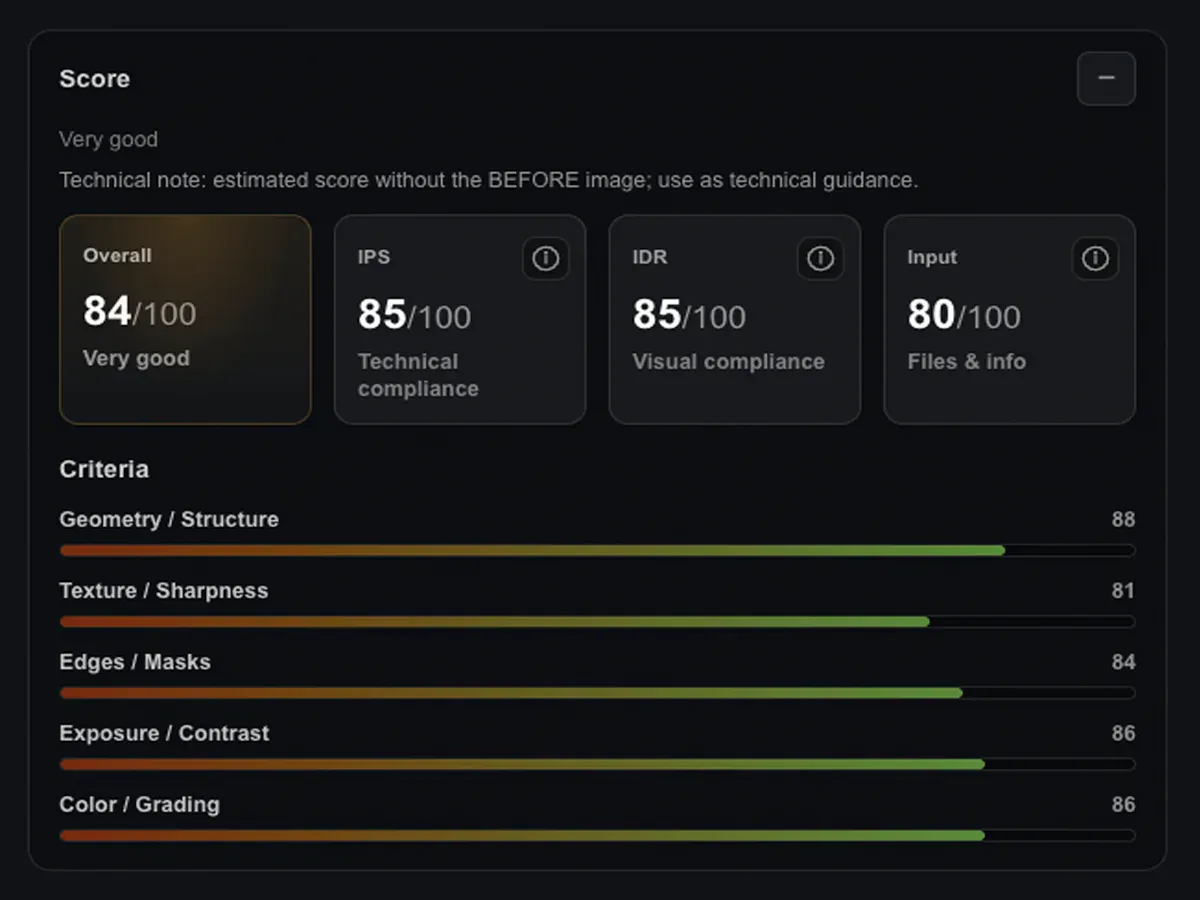
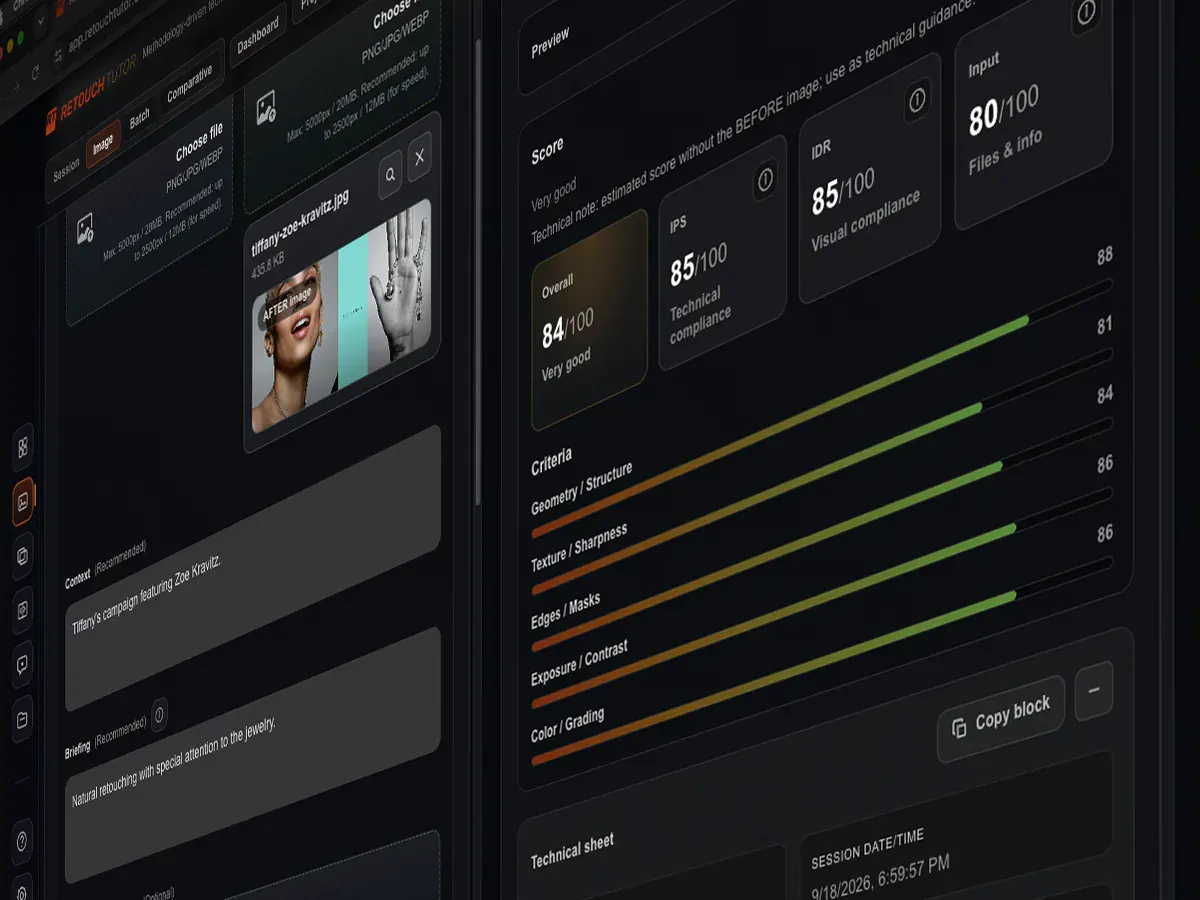
The score is made of three measurable dimensions:
IPSImage Processing Standards
technical reading
IDRImage-Driven Retouch
reading of the image’s vocation
INPUTS
quality of the material submitted
Each one contributes to the final number. IPS reads the image against technical standards. IDR reads the image against its own vocation. Inputs reads what entered the system — resolution, dimensions, briefing, context, markups — because the precision of the analysis depends on the quality of what’s analyzed.
Above all of that is your creativity.
Retouch Tutor doesn’t judge creative decisions. It respects them as a reading key: what would be an error for one briefing may be intent for another. Choices that go against the technical don’t enter the score as failures — they enter as decisions. And decisions prevail.
Neither opinion nor ranking. An objective reference against the standard at the top of the market.
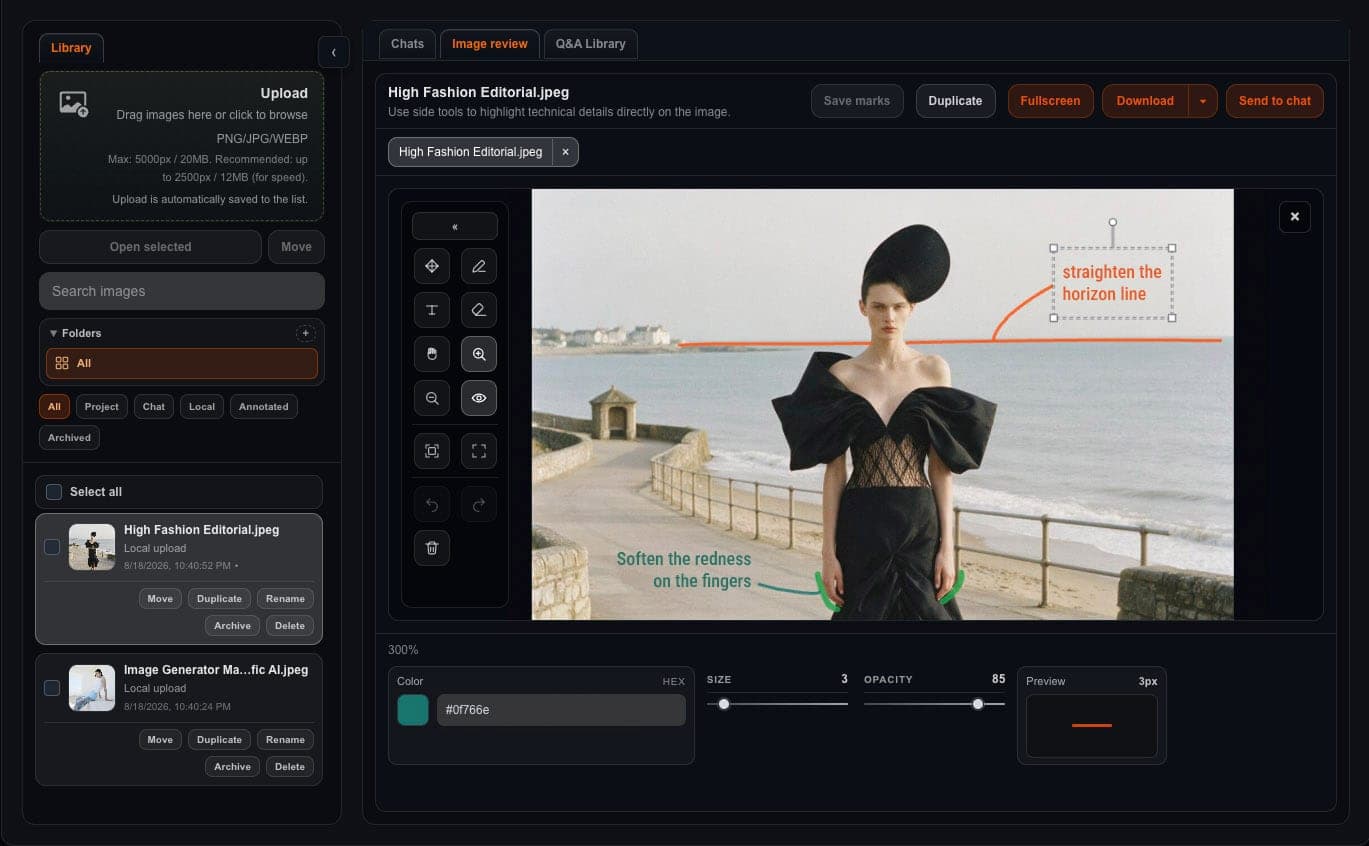
Mark it on the image. Approve in fewer rounds.
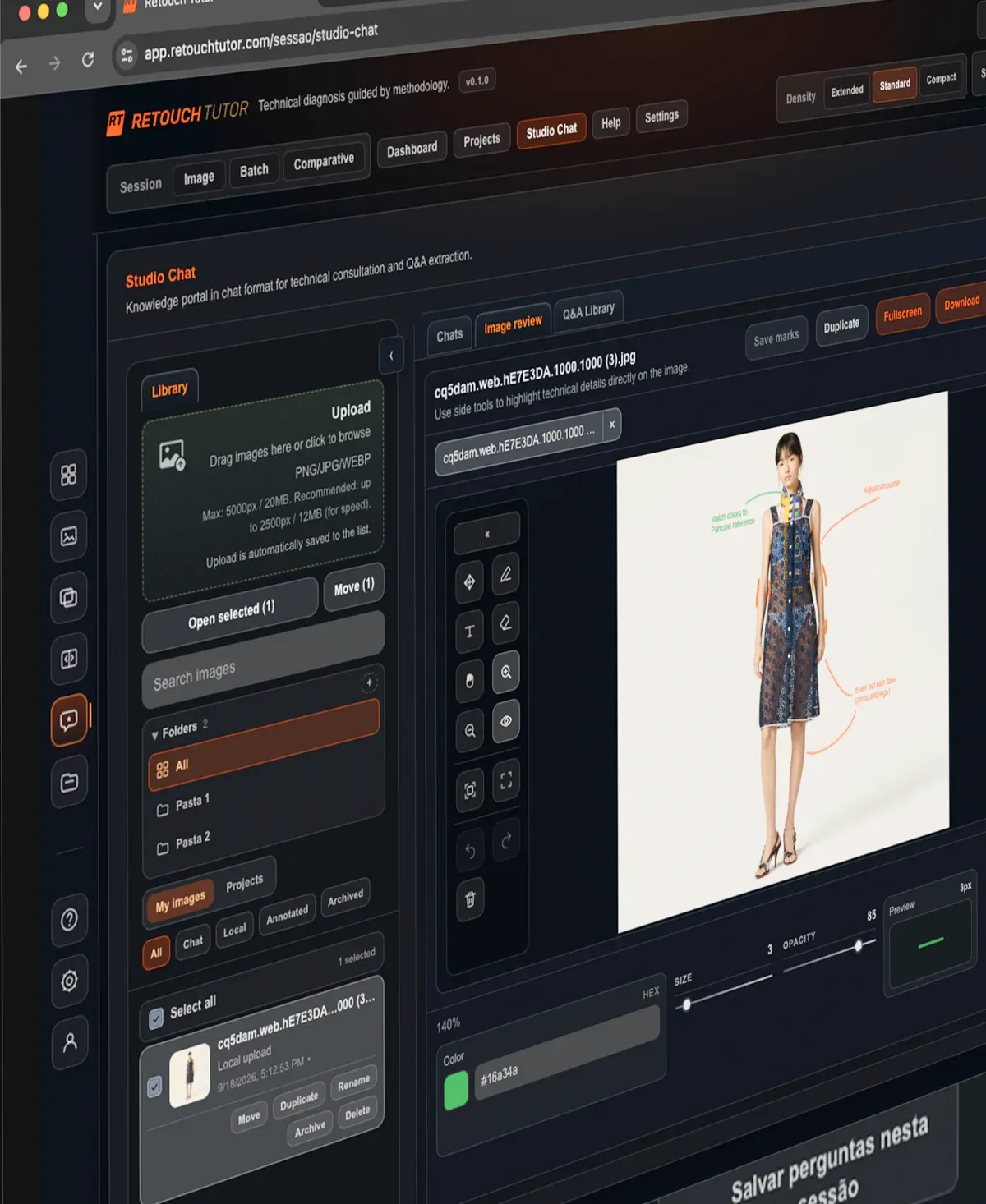
Annotate corrections right on the image, save each round as a version and download the annotated image to send to the client or the team. Every approval round becomes a record.
Markup on the image
Arrows, strokes and text exactly where the adjustment needs to happen. The instruction stays in place, without depending on words to describe where it is.
One version per round
Each saved round becomes a version, and the history stays with the work — not scattered across an email thread.
The technical question, right there
The chat answers the specific question without generating a diagnosis. And what you learn there becomes a Q&A library, with search and tags.
Do you receive retouching from others?
Instead of requesting adjustments by description, you point at the image and back the request with the diagnosis' judgment.
Three situations. One of them is probably yours.
Fashion, beauty and advertising photographer
You control what leaves your studio with your name on it. The retouch — yours or by whoever retouches for you — decides whether the image delivers what the capture promised. Retouch Tutor brings the technical reading that separates what can go from what isn’t at the level yet — before the client sees it.
Professional retoucher
You deliver to agencies, studios and direct clients in fashion, beauty and advertising. Every approval round costs time and credibility. The sooner you anticipate what the client will point out, the more deliveries fit in your month — and the more your reputation consolidates.
Aspiring retoucher or photographer
You’re still feeling out the market — you don’t know all the standards, you don’t know how to price, you don’t have the pipeline in place. But you have the eye and the will to work with the best. Retouch Tutor doesn’t replace a career, but for those with a base and ambition, it shows where the top of the market operates and what needs adjusting for you to get there, in the shortest time possible.
The more generative AI advances, the more execution becomes a commodity. And the rarer judgment gets.
Three critical stances on the same image.
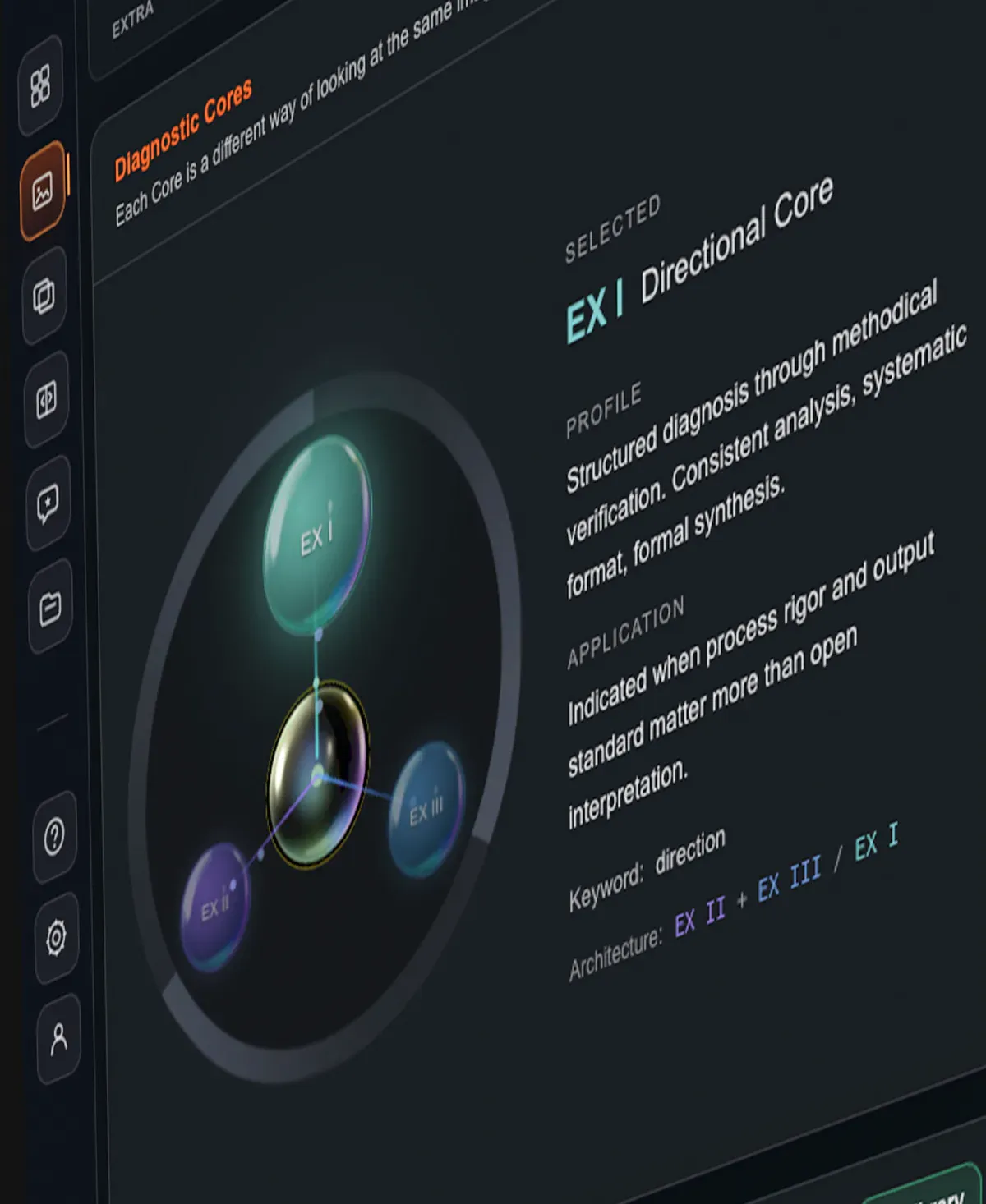
Every analysis in Retouch Tutor can be conducted by three Cores with distinct epistemologies — Directional, Skeptical and Plural. The same retouch, read from three angles: one that verifies methodically, one that discards whatever fails a strict sieve, one that welcomes ambiguity and operates in plural verdicts.
Depth that comes from real practice,
not from generic AI architecture.
“For more than 20 years I’ve retouched images for fashion and beauty campaigns and editorials, leading Studio AW in São Paulo, serving the main brands in the Brazilian market and working as a ghost retoucher for New York studios.
Retouch Tutor was born from the mentoring I run, when I realized that professional judgment not only needs to be taught, but also measured. This tool codifies that reading, so any professional can assess their own work against the standard that defines what gets delivered to the top of the market.”
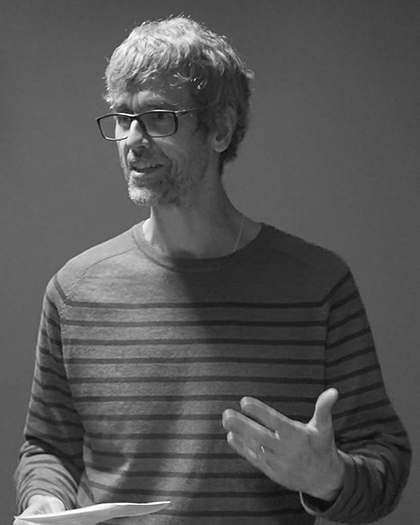
Alex Wink (Studio AW)










































































Choose your pace.
You pay for what you actually use — diagnoses and comparatives, on any image in any project.
For professionals with a controlled volume.
billed monthly
Prices in USD are indicative. The exact amount, in your own currency, is set at checkout at Stripe’s current exchange rate.
- 40 diagnoses per monthRenews every cycle.
- Image, Batch and Comparative sessions
- RTQI on every analysis
- Diagnosis across three critical Cores
- Studio Chat for questions and markups
- AI Plan for use in generative tools
- Unlimited projects
For professionals with a continuous volume.
billed monthly
Prices in USD are indicative. The exact amount, in your own currency, is set at checkout at Stripe’s current exchange rate.
- 80 diagnoses per monthRenews every cycle.
- Image, Batch and Comparative sessions
- RTQI on every analysis
- Diagnosis across three critical Cores
- Studio Chat for questions and markups
- AI Plan for use in generative tools
- Unlimited projects
Try it risk-free: full refund within 7 days of subscribing.
You create your password at purchase. We never send logins or passwords by email.
By subscribing, you agree to the Terms of Use and the Privacy Policy.
When your monthly quota runs out, you can buy extra credit packs at subscriber-only prices. Credits don't expire while your subscription is active.
High volume? Let's talk.
For retouching departments, creative agencies and photo studios with continuous volume, we offer custom plans with batch diagnosis, brand-standard calibration and dedicated support.
You're among the first. The price you pay today is yours for as long as your subscription lasts. Renewals and new subscribers may see other prices as the product evolves.
What usually stays open.
Do I need to know how to retouch to use it?
Does it work with my Photoshop or Capture One workflow?
What kinds of images does Retouch Tutor analyze?
Are the uploaded files used to train AI models?
Do my files and diagnoses stay confidential?
How do I get access after paying?
Does the AI Plan edit the image for me?
What languages does Retouch Tutor work in?
What happens if I exceed my monthly quota?
Can I cancel at any time?
Is there a guarantee?
Can I switch plans at any time?
Do you retouch for me?
The value of retouching lies in judgment.
When execution becomes a commodity, judgment becomes the edge.